

日本語 | English


システムの定期メンテナンス日時について
以下の機能について、定期的に利用不可の時間帯が発生します。予めご承知おきください。
・蔵書検索機能(「明治大学図書館」タブ):毎週月曜日7:20~7:50
・他大学検索機能(「他大学検索」タブ):毎月第4火曜日20:00~22:00
FAQ(English)
What are the tags displayed on the tag search screen?
You can search for a tag on the tag search screen to display a list of materials that have this tag.
Suppose you add a tag such as the following: "_____ seminar reference book" or "A must read for _____ class." Then, after a tag search, anyone can bring up the same list of materials.
For example, try clicking a tag in "New tags," "Recent tags," or "Popular tags." Then, materials that have these tags are displayed.
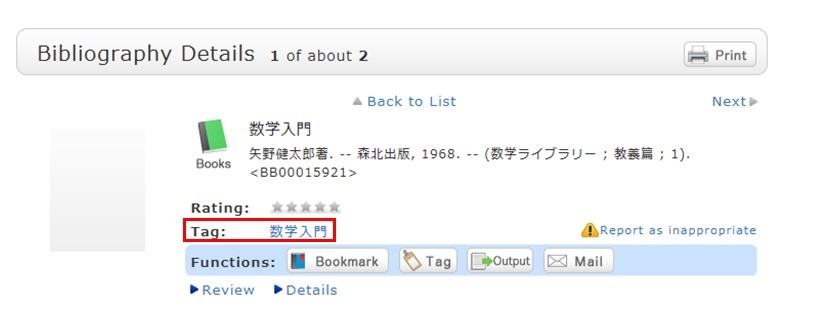
You can register tags on the search result list screen and the bibliography details screen.