

日本語 | English


システムの定期メンテナンス日時について
以下の機能について、定期的に利用不可の時間帯が発生します。予めご承知おきください。
・蔵書検索機能(「明治大学図書館」タブ):毎週月曜日7:20~7:50
・他大学検索機能(「他大学検索」タブ):毎月第4火曜日20:00~22:00
FAQ(English)
How do I register a review?
カテゴリ:
5.1. Personal Services
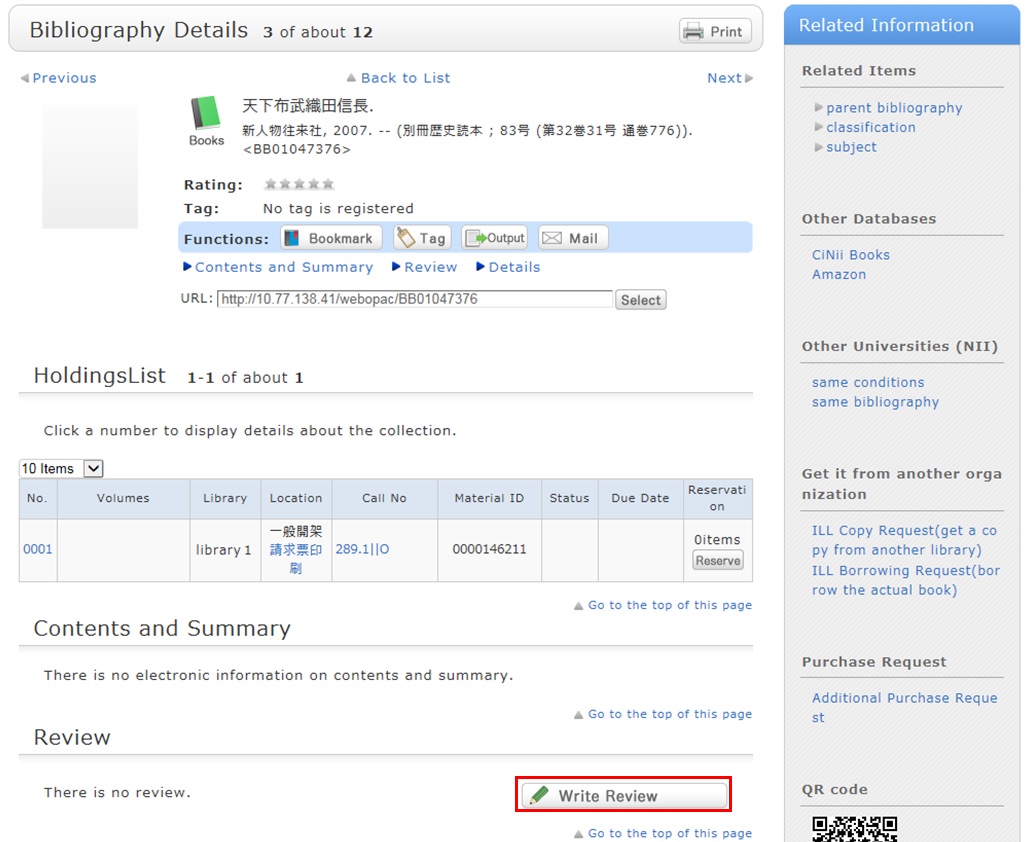
Review entry
- Confirm the bibliography of your written review, and decide the number of ★(1 to 5) for an evaluation. Then, enter the review title and text, and click [Submit].
You cannot use HTML tags and machine-dependent characters. - Confirm what you are registering. When there is no problem, click the [Submit] button. To start over with the entry, click [Edit].
- When your review is published, the contributor's nickname, date, section affiliation, library affiliation, and user type are posted in addition to the review title and text.
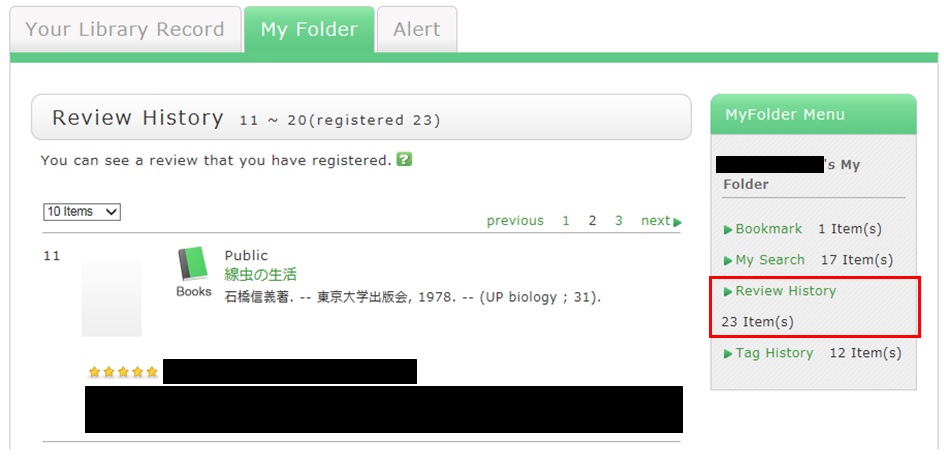
- If you want to set or change your nickname, select [OPAC] -> [Your Library Record] -> [Personal Info.]. Confirm the name displayed in the "Handle" column.
To correct the name, click [Personal Info.], and enter your new handle name.
Review evaluation
You can enter comments about the review, add reference information, and report inappropriate reviews.
From the review details screen, click any of the following to go to the input screen:
- Was this review helpful? Yes? No?
- Report this review as inappropriate
- Write comment on this review
