日本語 | English


システムの定期メンテナンス日時について
以下の機能について、定期的に利用不可の時間帯が発生します。予めご承知おきください。
・蔵書検索機能(「明治大学図書館」タブ):毎週月曜日7:20~7:50
・他大学検索機能(「他大学検索」タブ):毎月第4火曜日20:00~22:00
FAQ
How do I cancel a reservation?
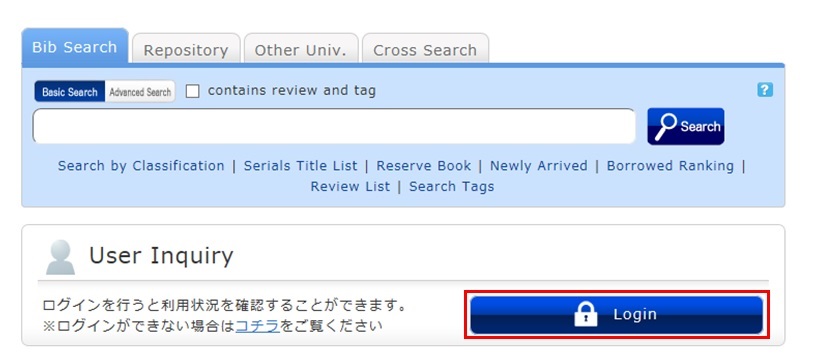
1. Log in to OPAC.
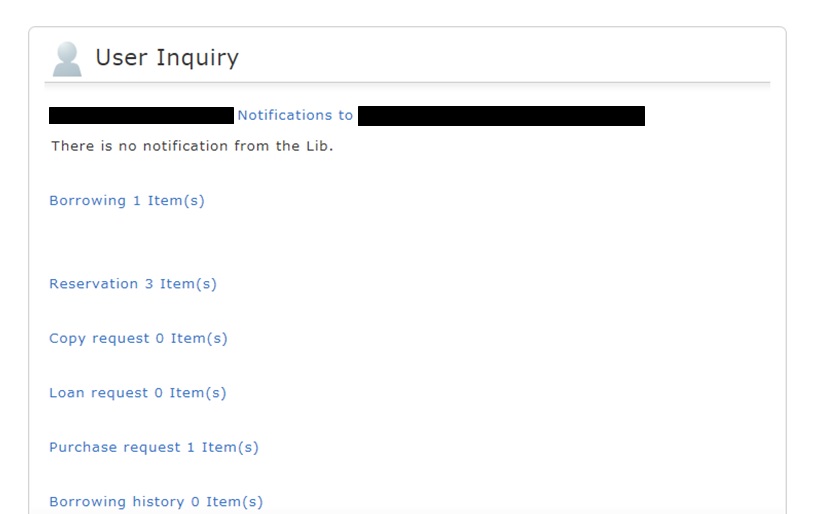
2. Click "Reservation" from User Inquiry on the OPAC top page.
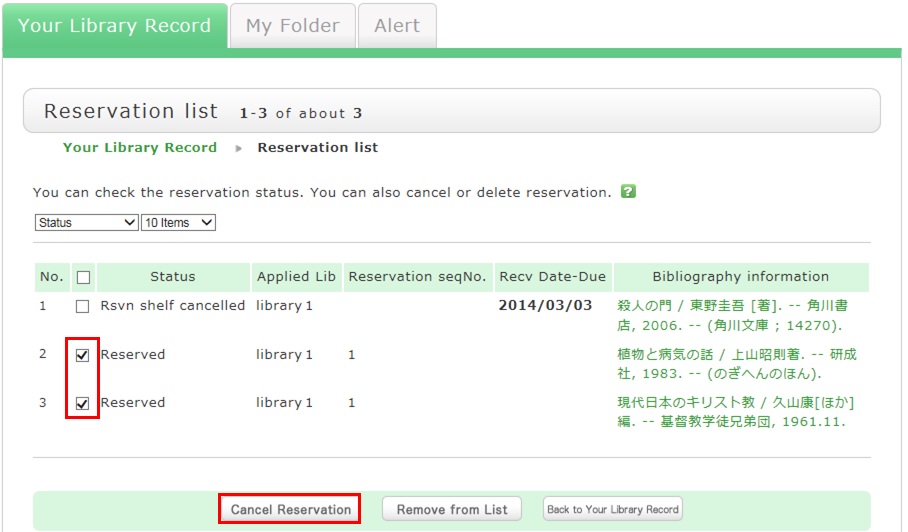
3. The reservation list screen appears. Place a check mark beside the material whose reservation you want to cancel, and click [Cancel Reservation].
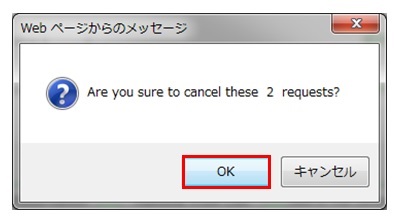
4. Click [OK] in the pop-up.
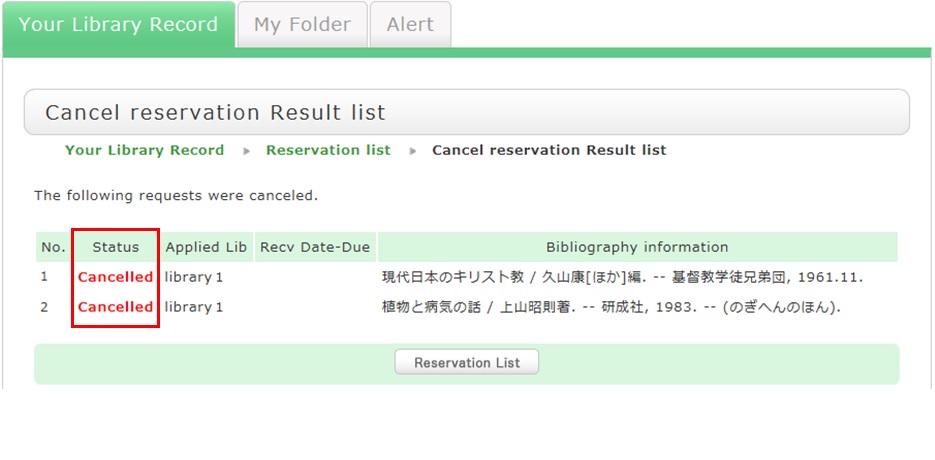
5. "Canceled" appears under Status upon the completion of the reservation cancellation.